

One memory for Claude, and every tool you will use
Connect Hypermemory once via MCP or the CLI. Claude stores and recalls from your personal graph, the same memory you keep when you switch to ChatGPT, OpenClaw, or any other client.
Why This Works
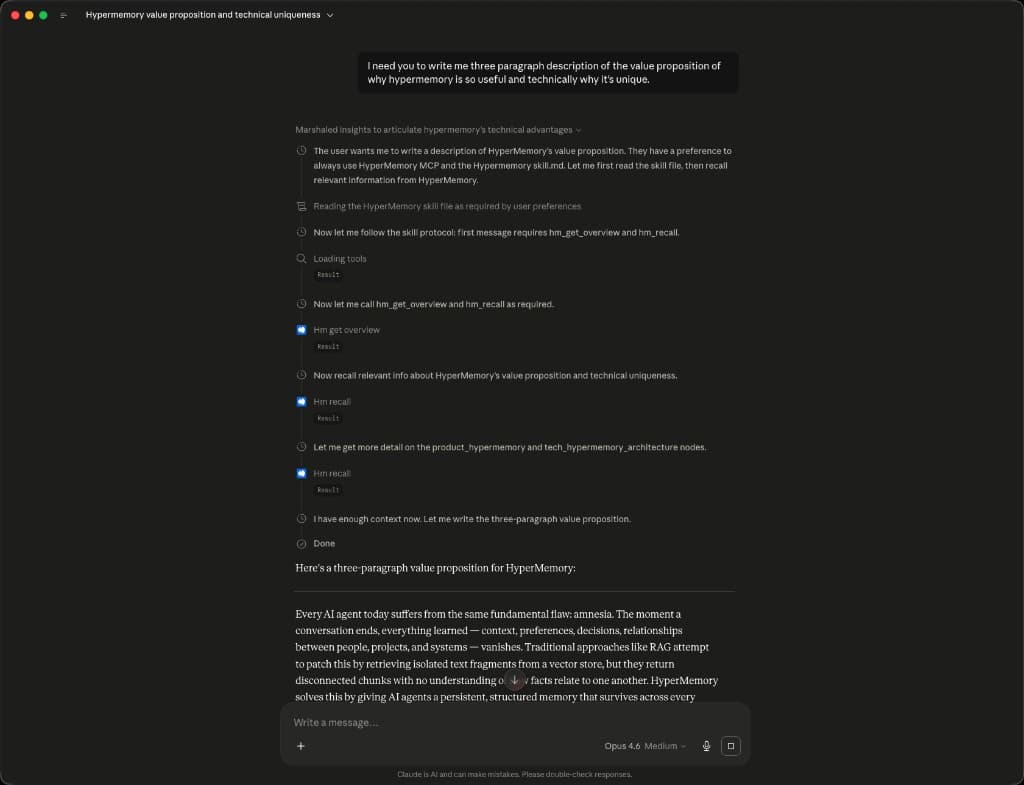
Hypermemory is accessed via MCP and the CLI, the same memory graph either way. In Claude, add an MCP connector, sign in, and enable the skill. You get the full hm_ tool suite on your graph. Leave Claude for another app tomorrow; your nodes, relationships, and files stay under your account.
Quick Setup
MCP URL: https://api.hypermemory.io/mcp
- Copy the MCP URL below and paste it as a custom connector in Claude.
- Connect and log in with your account info.
- Add the Hypermemory skill in your chat and start using Hypermemory.
Available Tools
| Tool | Description |
|---|---|
| hm_find_related | Traverse connected knowledge from a starting node |
| hm_forget | Delete a node with optional cascade |
| hm_get_overview | Graph stats, top nodes, and type distribution |
| hm_ingest | Decompose dense text into graph entities in one pass |
| hm_list_files | Query uploaded files by type or name |
| hm_list_orphans | List disconnected nodes for cleanup |
| hm_recall | Hybrid search across your graph (BM25, vector, edges) |
| hm_store | Create a memory node; background enrichment runs automatically |
| hm_timeline | Temporal recall by period or date range |
| hm_timeline_write | Write an explicit diary-style timeline entry |
| hm_update | Update a node; re-embeds when the description changes |
| hm_upload_file | Upload a file into memory (summary + graph node) |
Use Case
You plan in Claude on Monday and prototype in Cursor on Wednesday. Hypermemory holds stakeholder preferences, roadmap decisions, and open questions in one graph. Ask either tool “What did we commit to for Q3?” and you get the same connected answer, not a blank slate.